 COME
COMECOME First-Session Plan: A later visit to an already installed app
Finish one small orientation task before adding another. You are returning to COME and want the familiar account and preferences without starting from scratch.
Give the first visit one purpose
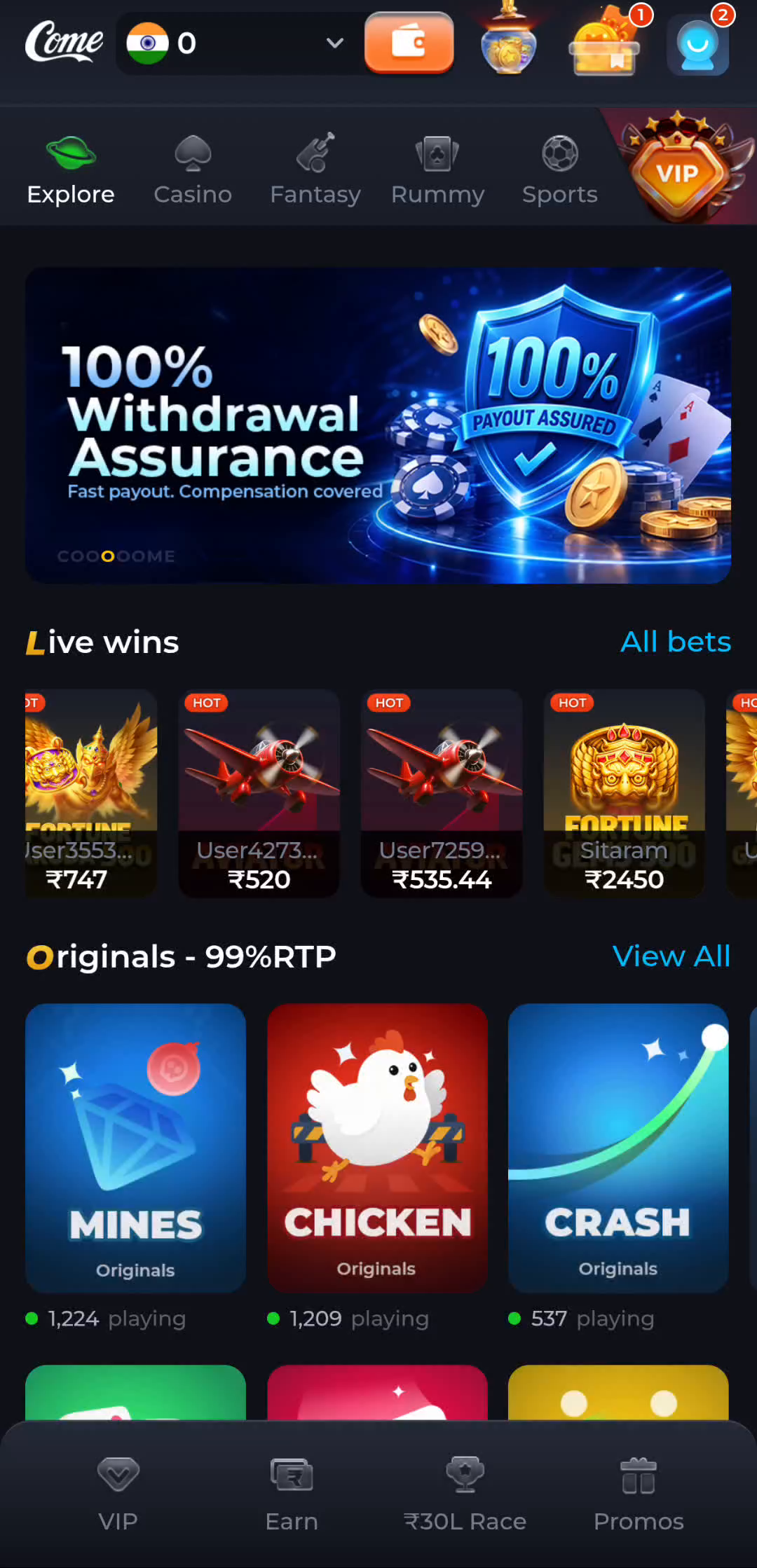
A first session is easier to understand when it has a small goal: locate the menu, read a category, inspect settings or find help. Start with the main navigation and note the screen title. Explore, Casino, Fantasy, Rummy and Sports are separate areas; a promotional banner is not a substitute for the selected area's rules.
You do not need to turn every visible element into an action. Read the screen, learn how to close a panel and return to the category row. If you already have an account, make sure you are using the intended account before comparing history with another device.
Separate browsing from commitments
Opening a category, viewing a game card, joining a contest and authorising an account transaction are different actions. Before an action involving money or a commitment, read the displayed amount, rules and conditions. A headline reward or a balance in an illustration is not a promise about your own account.
Keep entertainment separate from income planning. Set a time boundary and, where money is involved and participation is lawful, a spending limit you can afford to lose. Do not borrow, chase a loss or increase a limit because a previous result was disappointing. Leave a session if it stops feeling controlled.
Make the interface comfortable
The Settings panel shows Language, Music On/Off and Effects On/Off. Use the current options to choose a readable language and suitable sound. These app controls are different from the phone's volume and output settings. Keeping the interface comfortable is useful before trying to understand a detailed rule or an unfamiliar record.
If the app does not load properly, treat that as a connection or software question rather than a reason to submit an action again. Record what happened and use the relevant help topic.
Review what happened before returning
The profile menu separates Account, Transactions and Game History. Use the appropriate record for the action you took, and read its status rather than relying on a promotional summary elsewhere. If an item is pending, use the product's help route with a clear description.
End the visit at the boundary you chose. On a shared device, consider session access and the visible Logout control once you understand your sign-in method. Avoid sharing credentials or leaving sensitive account information visible to another person.
Apply the steps to this situation
For a later visit to an already installed app, begin with this specific task: finish one small orientation task before adding another.
- Choose a single menu or preference task before starting.
- Find the relevant screen and read its actual conditions.
- Finish or pause with a clear account and task state.
An initial session does not have to include participation in an activity. Learning a menu, checking a preference or finding help is a complete task. Keep time and spending boundaries clear where relevant, and pause rather than moving through screens whose consequences you do not understand.
Questions about this task
Do I need a new account after installing?
An existing user should follow the existing-account route shown by the product.
Does a reward banner tell me the final terms?
No. Read the applicable rules, eligibility and conditions attached to the actual offer.
A related next step
Change one app preference and observe its specific effect. You are returning to COME and want the familiar account and preferences without starting from scratch.
COME Preference Controls: A later visit to an already installed app